How to prepare dataset metadata
Dataset metadata describe what a dataset contains, why and how it was created, who is responsible for it, how it can be accessed and under what conditions it may be reused.
This guideline explains how to collect, structure and review dataset metadata before repository deposit, publication, cataloguing or machine-readable export.
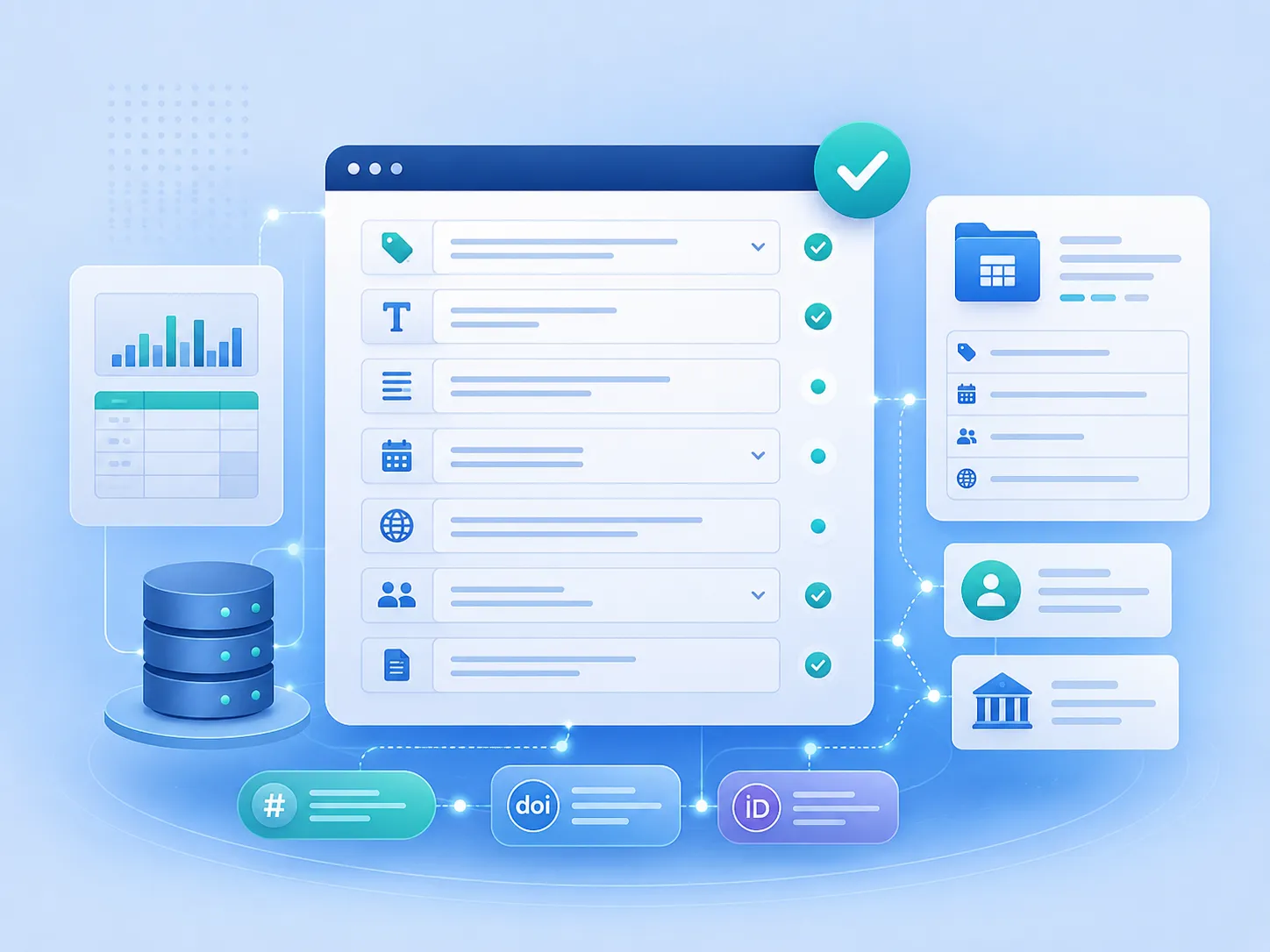
Resource information
Resource type
Step-by-step metadata preparation guideline
Intended users
Researchers, dataset authors, data curators and data stewards
Recommended use
Before repository deposit, dataset publication, cataloguing or FAIR assessment
Related output
A complete and internally consistent dataset metadata record
What are dataset metadata?
Dataset metadata are structured information used to identify, describe, discover, interpret, cite, access and reuse a research dataset.
They may be entered into a repository form, stored in a JSON, XML, CSV or spreadsheet file, exposed through an API or harvesting interface, and indexed by external research information systems.
Metadata are not the same as a README
A metadata record provides structured and standardised information for repositories and machines. A README provides a fuller human-readable explanation of the dataset, file structure, methods and reuse instructions. The two should complement one another.
Before you begin
Define the dataset and collect the information needed to describe it before completing individual metadata fields.
Define the object
Decide which files, versions and research outputs belong to the dataset being described.
Identify responsibility
Confirm the creators, contributors, contact person and responsible institution.
Select the destination
Identify the repository, catalogue or information system in which the metadata will be used.
Review restrictions
Determine whether legal, ethical, contractual or confidentiality conditions affect the description or publication.
Metadata preparation workflow
Prepare the record in a sequence that moves from dataset identity to access, reuse and final validation.
1. Define
Define the dataset scope, version and scientific purpose.
2. Identify
Record the title, creators, organisations, dates and identifiers.
3. Describe
Explain the content, methods, subject, coverage and file formats.
4. Connect
Link the dataset to publications, software, projects and related datasets.
5. Validate
Check completeness, consistency, syntax and correspondence with the files.
Core metadata groups
A complete dataset record should normally cover the following groups of information.
| Metadata group | Main information | Purpose |
|---|---|---|
| Identification | Title, identifier, version, resource type and publication year | Uniquely identifies the dataset and distinguishes it from other outputs |
| Responsibility | Creators, contributors, contact person and organisations | Supports attribution, responsibility and communication |
| Description | Description, purpose, methods, contents and limitations | Allows users to understand the dataset without opening every file |
| Discovery | Subjects, keywords, language and coverage | Improves indexing, classification and search |
| Technical information | Formats, software, instruments, variables, units and processing level | Supports interpretation and technical reuse |
| Access | Open, restricted, embargoed or closed access conditions | Explains whether and how the files can be obtained |
| Rights and reuse | Licence, rights holder, attribution and citation information | Defines permitted forms of reuse |
| Relationships | Publications, software, projects, versions and related datasets | Connects the dataset with its broader research context |
| Provenance | Sources, workflows, processing steps and derivation relationships | Explains how the dataset was created or transformed |
Step 1 — Define the dataset
Before writing metadata, define the digital object that will be published or catalogued. A metadata record should describe one coherent dataset rather than an undefined collection of project files.
Questions to resolve
- What scientific object or result does the dataset represent?
- Which files belong to the dataset?
- Are raw, processed and derived data included?
- Is this a new dataset, a version or a part of a larger collection?
- Which files will be publicly available and which will be restricted?
- Who is responsible for approving the final record?
Step 2 — Create a clear title
The title should identify the dataset itself, its principal subject and, where useful, the method, material, location, instrument or period covered.
Less informative
Experimental results
Simulation data
Measurements for the article
More informative
X-ray diffraction measurements of aluminium oxide samples at room temperature
DFT calculations of structural and electronic properties of 3C-SiC
Genomic sequencing data for the studied bacterial isolates
Step 3 — Record creators and organisations
List the people who are principally responsible for creating the dataset. Record other participants as contributors and specify their roles where the metadata system supports this.
Recommended practice
- Use one consistent form of each person’s name.
- Preserve the intended creator order.
- Add ORCID identifiers where available.
- Record full institutional affiliations.
- Add persistent organisation identifiers where supported.
- Identify a contact person who can respond after publication.
- Distinguish creators from curators, supervisors and technical contributors.
Step 4 — Write the description
The description should allow another researcher to understand what the dataset contains, why it was created and how it may be used.
A useful description normally answers five questions
- What does the dataset contain?
- Why was it created?
- How were the data collected, calculated or processed?
- What scientific, spatial, temporal or material scope does it cover?
- What limitations or conditions should users know?
Example description structure
This dataset contains [principal data types] produced during [experiment, observation, survey or calculation]. The data were generated using [method, instrument, software or workflow] for the purpose of [scientific objective].
The package includes [main file groups] and covers [material, location, population, period or parameter range]. Processing and quality-control procedures are described in the README and supporting documentation.
Step 5 — Add subjects and keywords
Select terms that describe the scientific discipline, research object, method, data type and principal variables. Use controlled terminology where an appropriate vocabulary exists.
Keyword selection
- Use specific rather than overly broad terms.
- Include the principal research object or material.
- Include the method, instrument or computational approach.
- Include the relevant data type.
- Avoid unexplained abbreviations.
- Do not repeat the same concept in several slightly different forms.
- Record the vocabulary name or URI when controlled terms are used.
Step 6 — Describe technical characteristics
Record enough technical information for users to open, interpret and process the files.
| Technical element | What to record |
|---|---|
| File formats | Formats or media types used by the principal files |
| Software | Software names, versions and required extensions |
| Instruments | Instrument name, model and relevant configuration |
| Variables | Variable names, definitions, codes and valid values |
| Units | Measurement units and unit conventions |
| Processing level | Raw, cleaned, processed, derived, simulated or final data |
| Environment | Dependencies, operating environment or container reference where needed |
Step 7 — Define access and reuse conditions
Access status and licence describe different aspects of the dataset and should be recorded separately.
Access status
Explains whether the files are open, restricted, embargoed or closed and how access may be obtained.
Licence or rights statement
Explains what users may do with the dataset after they have obtained access.
Check before assigning a licence
Confirm the rights holder, authority to publish, third-party content, confidentiality obligations and any ethical or contractual limitations.
Step 8 — Link related research outputs
Connect the dataset to the research context in which it was created. Use persistent identifiers whenever they are available.
Publications
Articles, reports, theses, conference papers and data papers
Software
Source code, scripts, models, packages and computational tools
Projects
Research projects, grants, programmes and infrastructures
Other datasets
Source datasets, derived datasets, versions and component collections
Step 9 — Record provenance
Provenance explains where the data came from and which activities, software, instruments or workflows produced the deposited files.
Record provenance when the dataset includes
- data derived from another dataset;
- several processing or calculation stages;
- input, intermediate and output files;
- software-dependent transformations;
- simulation or computational workflow results;
- manual cleaning, exclusion or correction decisions;
- combined data from several sources.
Step 10 — Validate the metadata
Review both the content of the record and its correspondence with the actual data package.
| Validation area | Questions |
|---|---|
| Completeness | Are all required and relevant fields present? |
| Accuracy | Do the values describe the actual dataset? |
| Consistency | Do title, creators, version, licence and access conditions match the README and repository record? |
| Identifiers | Are ORCID, DOI, ROR and related identifiers valid and correctly assigned? |
| Controlled values | Are terms, roles, resource types and relationships encoded consistently? |
| Syntax | Are dates, language codes, URLs, JSON and other structured values valid? |
| Sensitivity | Does the public metadata avoid disclosing protected information? |
| Machine readability | Can the record be exported without losing structure and relationships? |
Common metadata problems
Generic descriptions
The description repeats the title but does not explain the contents, method or scope.
Inconsistent names
Creator names or affiliations differ between metadata, publications and documentation.
Missing relationships
Publications, software, projects or source datasets are mentioned only in free text.
Licence confusion
Open access, file availability and permitted reuse are treated as the same concept.
Unexplained terminology
Abbreviations, variables, units and local codes are not defined.
Invented identifiers
Placeholder or manually constructed identifiers are presented as assigned persistent identifiers.
Repository-only preparation
Metadata are entered directly into a form without retaining a structured local record.
Package mismatch
Metadata refer to files, versions or access conditions that differ from the deposited package.
Recommended working method
Prepare the metadata first in a structured local template. Review the record with the dataset authors, then transfer or map the approved values to the repository form or machine-readable format.
Keep the approved metadata file in the FAIR data package so that the repository record, README, manifest and future versions can be checked against the same source.
Important notes
- Describe the dataset rather than the research project as a whole.
- Use the repository’s actual required fields in addition to the core metadata profile.
- Do not create fictitious DOI, ORCID, ROR or grant identifiers.
- Use persistent identifiers only after verifying that they resolve to the correct object.
- Keep access status and licence information separate.
- Do not disclose personal, confidential or security-sensitive information in public metadata.
- Record relationships as structured identifiers rather than only mentioning them in the description.
- Update metadata whenever the dataset version, files, creators, access conditions or licence changes.
- Validate the exported or published metadata record, not only the local working file.