How to prepare a FAIR data package
A FAIR data package brings together research data, metadata, documentation and supporting files in a coherent structure that can be understood, checked, preserved, published and reused.
This guideline explains how to define the package scope, organise the files, prepare the README and manifest, record metadata and provenance, document access and reuse conditions, and validate the completed package before repository deposit.
Resource information
Resource type
Step-by-step FAIR data package preparation guideline
Intended users
Researchers, dataset authors, data curators and data stewards
Recommended use
Before curation, repository deposit, dataset publication or preservation
Related output
An organised, documented and internally consistent research data package
What is a FAIR data package?
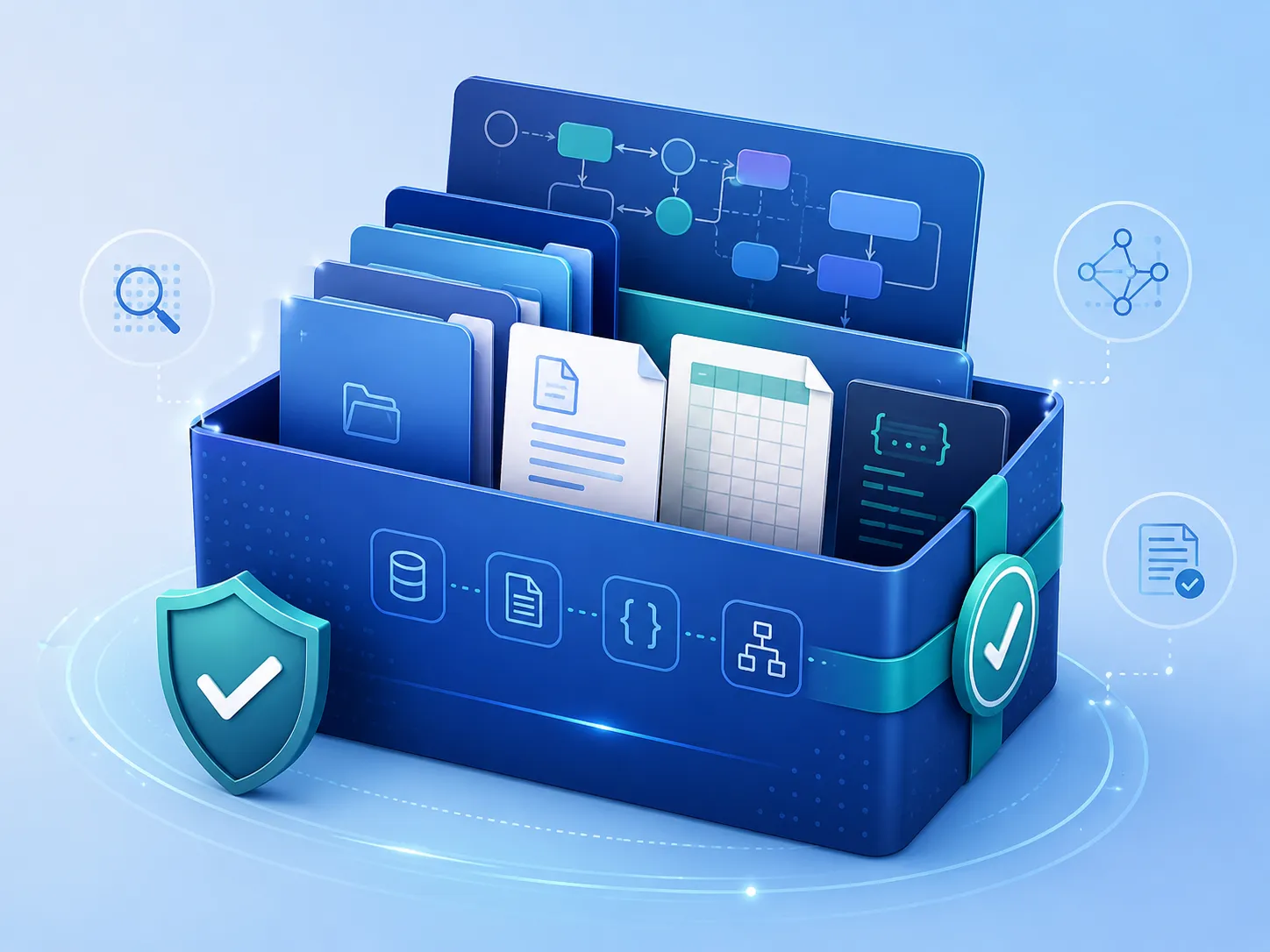
A FAIR data package is an organised collection of digital objects prepared so that the dataset can be identified, discovered, accessed under defined conditions, interpreted by people and machines, and reused beyond the original research project.
The package normally combines the research files with structured metadata, human-readable documentation, file-level descriptions, technical information, provenance and access and reuse statements.
FAIR does not mean that every file must be openly accessible
Restricted or embargoed files can form part of a FAIR-oriented package when the metadata remain discoverable and the conditions and procedure for obtaining access are clearly documented.
The package is more than a folder of files
Files
Research data, scripts, configuration files, models, visualisations and supporting outputs.
Documentation
README, methods, data dictionaries, protocols and instructions for understanding and using the files.
Structured records
Dataset metadata, manifest, provenance, workflow and software-environment information.
Conditions
Access status, licence, rights holder, restrictions, citation and contact information.
Minimum and extended package
Package composition depends on the data type, research method and level of reproducibility required.
Minimum package
- principal research data files;
README.mdor equivalent documentation;- file manifest or inventory;
- dataset metadata record;
- licence or rights statement;
- access and contact information.
Extended package
- input and intermediate data;
- scripts and configuration files;
- software-environment record;
- workflow and provenance metadata;
- quality-control or validation evidence;
- data dictionaries and disciplinary metadata.
FAIR data package preparation workflow
Build the package in a controlled sequence from scope definition to final validation.
1. Define
Define the dataset, package scope, version and responsible persons.
2. Organise
Organise folders and files using clear names and roles.
3. Document
Prepare the README, manifest, metadata and technical records.
4. Connect
Record provenance and relationships between files and research outputs.
5. Validate
Check completeness, integrity, consistency and publication readiness.
Step 1 — Define the package scope
Define which dataset or research result the package represents before copying files into the final directory. A package should correspond to one clearly identifiable digital object or a deliberately defined collection.
Questions to resolve
- What scientific result or dataset will be published?
- Which files belong to this package?
- Which version is being prepared?
- Are raw, processed and derived data included?
- Which files are essential for interpretation or reproduction?
- Which files will be open, restricted or excluded?
- Who approves the final package?
Step 2 — Inventory the available files
Create an initial inventory before reorganising the files. The inventory helps identify duplicates, obsolete versions, undocumented formats and missing components.
| Inventory field | What to record |
|---|---|
| Current path | Location of the file before package preparation |
| File name | Current name and proposed final name |
| File role | Input, raw, processed, derived, output, documentation or software |
| Format | File format, extension and required software |
| Version | File or model version where relevant |
| Access status | Open, restricted, embargoed or excluded |
| Action | Include, rename, convert, document, replace or remove |
Step 3 — Design the folder structure
Use a folder structure that reflects the scientific and technical roles of the files. Avoid structures that reproduce personal computer paths or temporary project organisation.
Example package structure
fair-data-package/
│
├── README.md
├── manifest.csv
├── metadata.json
│
├── data/
│   ├── raw/
│   ├── processed/
│   └── derived/
│
├── documentation/
│   ├── methods.md
│   └── data_dictionary.csv
│
├── scripts/
│   └── process_data.py
│
├── configuration/
│   └── parameters.yml
│
├── environment/
│   └── software_environment.yml
│
├── provenance/
│   └── provenance.json
│
└── quality/
    └── validation_report.pdf
Clear roles
Separate data, documentation, software, configuration, provenance and quality-control files.
Limited depth
Avoid unnecessarily deep folder hierarchies that make paths hard to understand and maintain.
Stable paths
Use relative paths and keep them consistent across the README, manifest and structured records.
Repository awareness
Check whether the target repository preserves folders or presents all uploaded files as a single file list.
Step 4 — Apply consistent file naming
File names should remain understandable outside the original working environment and should distinguish versions, samples, dates or processing stages where required.
Avoid
final.csv
final_new.csv
results2_fixed.csv
data_from_PC_old.zip
Prefer
sample01_raw_2026-07-15.csv
sample01_cleaned_v1.1.csv
sic_dft_total_energy_v1.csv
survey_responses_anonymised_v2.csv
- Use short but meaningful names.
- Use one naming pattern throughout the package.
- Avoid spaces and unstable punctuation where possible.
- Use ISO-style dates such as
YYYY-MM-DD. - Represent versions consistently.
- Do not use words such as
new,latestorfinal-final. - Do not rename files without updating the manifest and documentation.
Step 5 — Prepare the README
Place the README at the package root. It should provide the main human-readable explanation of the dataset and guide users through the package.
| README section | Expected content |
|---|---|
| Dataset overview | Title, purpose, scope and scientific context |
| Creators and contact | Responsible people, institutions and contact information |
| Package contents | Folder structure, file groups and principal files |
| Methods | How the data were collected, calculated or processed |
| Technical requirements | Formats, software, instruments and dependencies |
| Quality and limitations | Validation, uncertainty, exclusions and known limitations |
| Access and reuse | Access conditions, licence, citation and restrictions |
| Related outputs | Publications, software, projects and related datasets |
Step 6 — Create the manifest
The manifest is a structured inventory of package files. It enables file-level checking and supports automated processing, integrity verification and curation.
Recommended manifest fields
file_pathfile_namefile_roledescriptionformatormedia_typesize_byteschecksumchecksum_algorithmaccess_statusrelated_stepor another relationship field
Step 7 — Prepare the dataset metadata
Prepare one structured metadata record describing the package as a whole. The record should correspond to the README, the manifest and the planned repository entry.
Identification
Title, resource type, version, dates and identifier
Responsibility
Creators, contributors, contacts and organisations
Description
Content, methods, subject, coverage and technical characteristics
Conditions and links
Access, licence, funding, publications, software and related datasets
Step 8 — Document software and environment
Include the information required to open, process or reproduce the files. The level of detail should correspond to the technical complexity of the dataset.
Possible environment records
requirements.txtfor Python dependencies;environment.ymlfor a Conda environment;- container image or definition reference;
- software and plugin version table;
- operating system and execution-platform information;
- instrument model and acquisition software version;
- configuration and parameter files used for processing.
Step 9 — Record provenance and workflow
Document how the principal package objects were produced, transformed or derived. This is especially important for computational, simulation, imaging and multi-stage processing workflows.
| Provenance element | What to document |
|---|---|
| Entity | Input, intermediate, output, dataset, model or software object |
| Activity | Experiment, processing step, calculation, conversion or validation |
| Agent | Person, organisation, instrument or software responsible |
| Used | Input objects used by an activity |
| Generated | Objects produced by an activity |
| Derived from | Source object from which another object was derived |
| Execution record | Date, software version, parameters, status and validation result |
Step 10 — Define access and reuse conditions
Review the package at both dataset and file level. Different files within one package may require different access conditions.
Access information
- open, restricted, embargoed or closed;
- embargo end date;
- reason for restriction;
- procedure for requesting access;
- responsible contact.
Reuse information
- rights holder;
- licence or rights statement;
- required attribution;
- citation recommendation;
- third-party restrictions.
Step 11 — Validate the completed package
Validate the final package version rather than the earlier working directory.
| Validation area | Questions |
|---|---|
| Completeness | Are all declared and required files present? |
| File integrity | Can principal files be opened and do checksums correspond? |
| Paths | Do README, manifest, metadata and workflow paths match the package? |
| Consistency | Do title, creators, version, licence and access status agree across records? |
| Syntax | Are CSV, JSON, XML, YAML and other structured files valid? |
| Documentation | Can a researcher outside the original team understand the package? |
| Security | Have credentials, personal data and unintended confidential files been removed? |
| Repository readiness | Does the package satisfy the target repository requirements? |
Freeze the package before generating final checksums
Assign a package version and generate final checksums only after files have been renamed, corrected and approved. Any subsequent file change requires checksum regeneration and another consistency review.
Common package preparation problems
Unclear scope
The package combines unrelated project files without defining one dataset or collection.
Archive-only deposit
All files are hidden in one archive although individual files could be described and accessed more effectively.
Missing documentation
Files are present, but their roles, formats, variables and methods are not explained.
Path mismatch
Paths in the manifest, README or workflow record do not match the actual package.
Uncontrolled versions
Several files are labelled final, new or corrected without a defined versioning scheme.
Missing provenance
Outputs are included without documenting the inputs, software or processing steps that produced them.
Licence inconsistency
The repository, README and metadata record state different reuse conditions.
Sensitive content
Credentials, personal data or confidential technical information remain in files or metadata.
Recommended working method
Create the FAIR data package in a separate controlled directory rather than reorganising the only existing copy of the research files. Preserve the original source materials until the package has been checked and approved.
Use the README, manifest and metadata templates together. Update all three whenever files are added, removed, renamed or replaced.
Important notes
- Prepare the package for one clearly defined dataset or collection.
- Retain the original source files until the curated package has been approved.
- Use relative paths consistently across all package records.
- Do not generate final checksums before the files are frozen.
- Do not include passwords, tokens, private keys or confidential configuration values.
- Review licence and access conditions separately.
- Explain proprietary or specialist formats and provide open exports where scientifically appropriate.
- Include only the files needed to understand, verify or reuse the dataset.
- Re-run the pre-check after every change to the final package.
- Apply repository-specific requirements in addition to this general guideline.